
Playback Memory Lab - 2
The Playback Memory Lab at the History & Genealogy Library is a Do-It-Yourself space for the community to preserve their personal, family, and community histories.
The lab is available to library cardholders by appointment, Thursdays, Fridays, and Saturdays, 1-4pm. All Sonoma County Library general cardholders age 18 and up are able to reserve a 3-hour appointment, starting promptly at 1pm in the lab.
Lab users have access to tools to digitize analog media to support personal preservation and archiving projects.
Get Ready for Your Appointment
- Read and understand the User Guide and Agreement
- Locate, organize, and prioritize materials for your 3-hour appointment
- Review the condition of your items (nothing damaged or moldy)
- Bring your personal storage device
- Consult instruction manuals and video tutorials (see below)
Audiovisual Stations

VHS/VHS-C
Mac mini + Panasonic AG-1980P VHS/S-VHS deck
Read manual
Video tutorial
Audiocassette
Mac mini + Tascam 202MKVII
Read manual
Video tutorial (Coming Soon)
* This is an advanced station
8mm/Super 8 film (no sound)
Mac mini + Wolverine MovieMaker Pro device
Read manual
Video tutorial
* This advanced station requires attention, dexterity, and patience.
Scanning Station

Photographic Prints
Windows PC + Epson 12000XL scanner
Read manual
Video tutorial
Documents
Windows PC + Epson 12000XL scanner
Read manual
Video tutorial
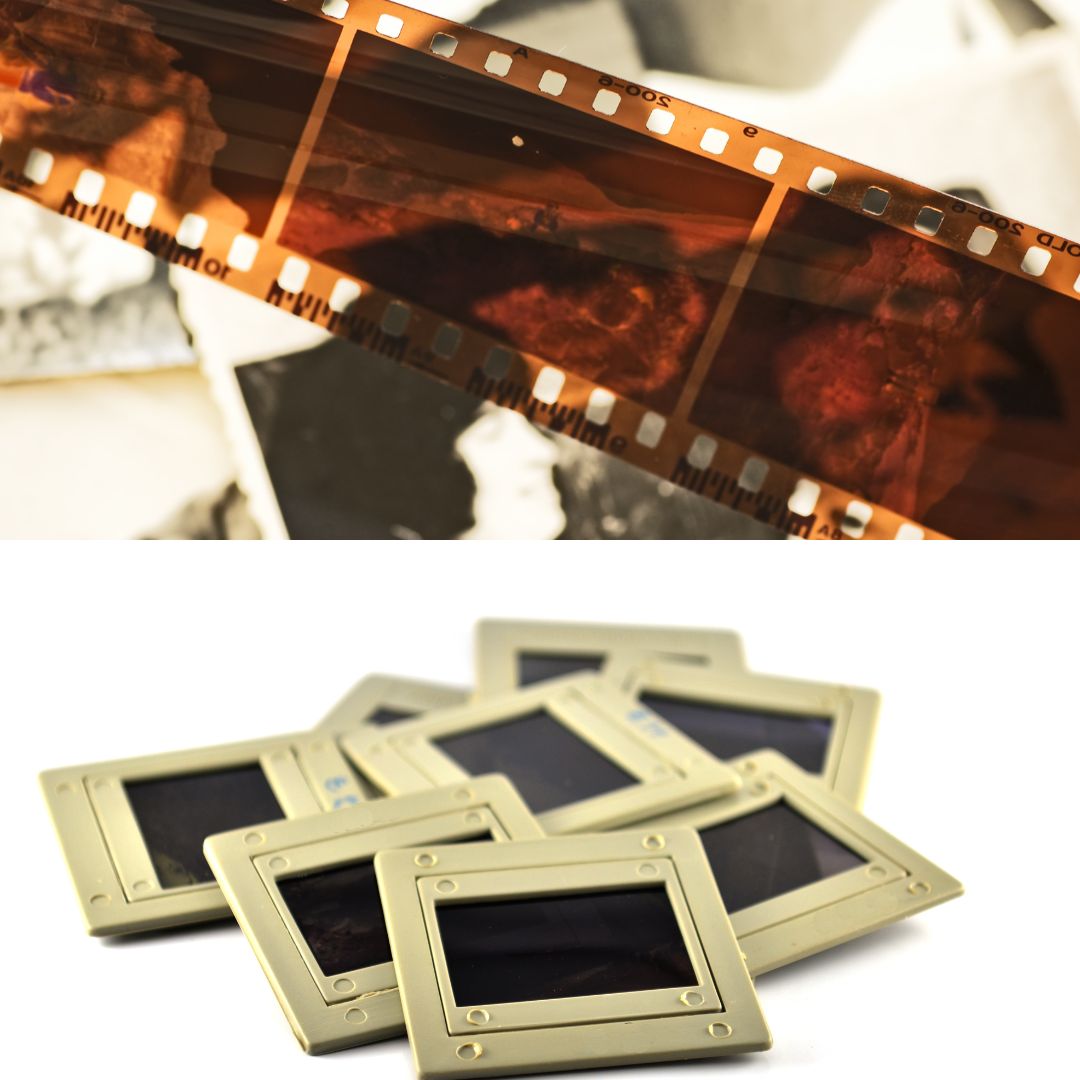
Negatives and Slides
Windows PC + Epson 12000XL scanner
Read manual
Video tutorial
First come, first served. No appointments and no staff assistance.
- Digitize your slides, negatives, photographs, documents.
- Review your VHS tapes, audiocassettes, slides, negatives.
- Transfer 3.5” floppy disk and DVD files.
FAQs
Are appointments required?
- Yes. Make an appointment through the Library’s Events Calendar.
Are library staff available to help me digitize my materials?
- No. Step-by-step guides are available at each station. A library staff member will be available to offer limited assistance and inspect your materials. After inspection, staff will not handle your personal items.
What cannot be digitized in the lab?
- Items with mold are not eligible to be digitized in the lab. Also, nothing damaged, twisted, or dirty. Nothing with a smell (particularly items with vinegar smell).
How much can I digitize in one AV appointment?
- It depends on the format and amount of content.
- VHS tapes digitize in real time. Ex. 45-minute tape: 45 minutes + 15-20 minutes compression and review
- Audiocassette tapes digitize in real time. Ex. 60-minute tape: 60 minutes + 15-20 minutes to export and review
- 8mm/Super 8 film digitizes frame-by-frame without sound. Ex. 1 minute of film takes 10 minutes to digitize + 15-20 to load film, transfer and review
How much can I digitize in one scanning appointment?
- It depends on the format and amount of content. Generally, it takes 45 seconds to 3 minutes per item, based on the settings you select.
How many stations and seats does the lab have?
- The lab has three separate stations, one (1) scanning station and two (2) audiovisual stations. The lab has a maximum capacity of six.
Is food or drink allowed in the lab?
- No, food and drink are not allowed.
Does the lab have editing software?
- No, editing software and equipment are available through the library’s Sonoma County Library Sound Studios
What is an advanced station? *
- An advanced station demands a high level of attention and patience. You might not be successful on your first try.
- Audiocassette requires careful monitoring of the recording volume levels.
- 8mm/Super 8 film is very hands-on and requires dexterity and a keen eye for details.
How do I prepare to digitize my 8mm/Super8 film reels?
- Check to see if your film has enough length at the beginning of the reel, watch this video about adding leader.
- Loading the reel is an advanced task, watch this video to set up the Wolverine.
What storage device is recommended to save the digital files?
- An external hard drive or USB drive, or cloud service (recommended 32+ GB storage for multiple appointments). For the AV stations, you will need a Mac-compatible external drive, or an empty drive that can be re-formatted. External hard drives are available for check out at the Central Santa Rosa Library.
Can my project be saved to the lab computers?
- No. Projects saved to the computer are deleted after each appointment.
I haven’t been able to book an appointment. What do you recommend?
- New appointments become available monthly through the Events Calendar. Check periodically for cancellations.
- Try the Walk-In Services at History & Genealogy Library[link]
- Visit your local Sonoma County Library branch to use the photocopier for quick scans of documents and photographs.
- Explore other library labs (with the respective library card); [link to memory lab network lab]
- If do-it-yourself digitization is not for you, professional companies provide digitization services for a fee.
Contact the Playback Memory Lab at the History & Genealogy Library.
Email: playback@sonomalibrary.org - Phone: (707) 308-3212
Join the Playback email list to stay informed on updates.
Sonoma County History & Genealogy Library’s Playback Memory Lab is part of a nationwide network of public libraries offering free DIY digitization. This project was supported by the U.S. Institute of Museum and Library Services under the provisions of the Library Services and Technology Act. Additional funds were provided by the Friends of the Santa Rosa Libraries.
