
Préstamo de equipos de E Street
Hay 3 formas de solicitar el préstamo de equipos de cámara
- Lucky Day (Día de suerte)
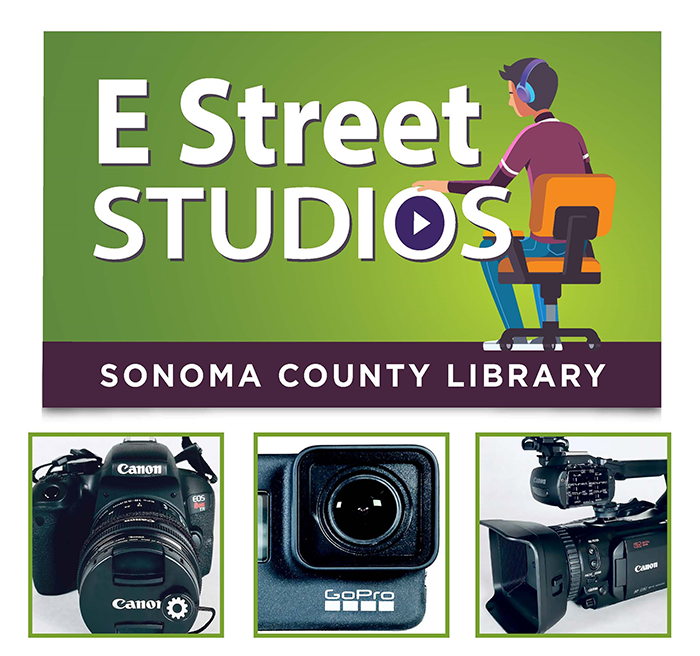
E Street Studios ofrece ahora una colección limitada de equipos bajo el programa "Lucky Day", disponibles para préstamo en el mostrador de referencia de la Biblioteca Central Santa Rosa.
Puedes solicitar el préstamo del equipo disponible los 7 días de la semana, durante el horario de apertura de la biblioteca; no es posible realizar reservas sobre estos artículos.
Simplemente acércate al mostrador de referencia de la Biblioteca Central de Santa Rosa para completar el acuerdo en línea y recoger tu equipo.
- Solicitud por el catálogo
Explora la biblioteca completa de cámaras
Nota: Los equipos de cámara solo pueden recogerse en la sede de la Biblioteca Central de Santa Rosa.
- Haz clic en el artículo que desea solicitar.
- Haz clic en el botón verde "Reservar".
- Inicia sesión con el número de tu tarjeta de biblioteca y tu PIN.
- Selecciona SOLAMENTE la Biblioteca Central de Santa Rosa.
- Haz clic en el botón azul "Reservar".
- Casilleros para cámaras
Solicita el préstamo de una cámara DSLR Canon SL3 desde uno de los casilleros de autopréstamo ubicados en las bibliotecas Central y Northwest.
- Escanea el código de barras de tu tarjeta de biblioteca.
- Selecciona la cámara.
- Toma la cámara cuando abras la puerta del casillero.
- Cierra la puerta del casillero.
- Escanea el código de barras de la cámara para devolverla al casillero.
- Deposita la cámara cuando abras la puerta del casillero.
Por favor, envía un correo electrónico a estreet@sonomalibrary.org o llama al (707)308-3020 si tienes alguna pregunta.
Ofrecemos una variedad de clases y reuniones de grupo. Consulta el Calendario de eventos para ver una lista completa de fechas y horarios.
- Conceptos básicos de fotografía
- Edición con iMovie
- Conceptos básicos de estudio de sonido
- Creación de historias digitales
